


How to Design a Reliable AI Email Generation Workflow for a Web Application
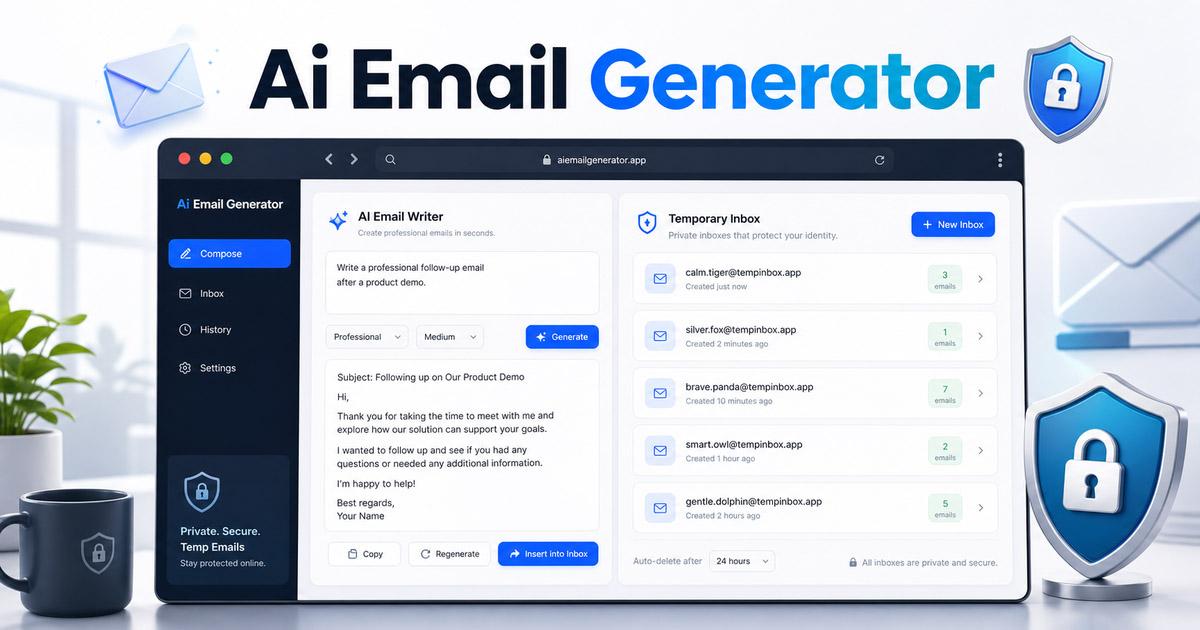
Adding AI-generated text to a website may look simple. A user enters an instruction, the application sends it to a language model, and the model returns an email.
However, a production-ready email generator requires much more than a prompt box.
Users expect the application to understand their purpose, select an appropriate tone, organize the message, avoid invented details, and return a draft that can be safely reviewed and edited. Developers must also consider privacy, validation, error handling, testing, and email-client compatibility.
This article explains how to design a reliable AI email generation workflow for a real web application.
- Collect Structured Information From the User
A basic email generator might provide only one input field:
“Write an email about a delayed payment.”
This instruction is understandable, but it does not contain enough information to generate a consistently useful result.
The application still does not know:
Who will receive the email Whether this is the first reminder How formal the message should be Which language should be used Whether the user wants a short or detailed email Whether a deadline should be mentioned What action the recipient should take
A more reliable interface separates these details into individual fields.
Useful fields may include:
Email purpose Tone Language Length Recipient name Sender name Relationship with the recipient Important background information Required action Deadline
This structure makes the application easier to use because users do not need to understand prompt engineering.
A well-designed AI Email Generator can convert these selections into a consistent instruction for the language model while still allowing users to describe the situation in their own words.
- Keep the Interface Simple
More fields can improve the result, but too many mandatory fields can make the tool difficult to use.
The best approach is to divide the form into essential and optional information.
Essential information may include:
What the user wants to communicate The intended tone The language The approximate email length
Optional information may include:
Recipient name Sender name Company name Previous communication Dates and deadlines Special requests
This allows a user to generate a basic email quickly while still supporting more detailed situations.
The interface can also reveal additional settings only when they are needed. For example, a “More details” button can open fields for recipient information, project context, or formatting preferences.
- Build the Final Instruction on the Server
The frontend should collect information, but the final instruction sent to the model should normally be constructed on the server.
This provides several benefits:
Hidden instructions cannot be easily modified Prompt updates do not require frontend changes Different AI providers can use the same input structure Validation can happen before the request is sent Sensitive implementation details remain private
The server should combine the user’s input with clear generation rules.
The model should be instructed to:
Generate a concise subject line Generate an editable email body Follow the selected tone and language Make the requested action clear Avoid inventing facts Use placeholders when information is missing Avoid claiming that an email was already sent Avoid promising refunds, discounts, dates, or approvals without confirmation
The final instruction should clearly separate user-provided facts from generation rules.
- Prevent the Model From Inventing Details
One of the most important risks in AI-assisted email writing is fabricated information.
Suppose a user enters:
“Write an email confirming our meeting.”
The user has not provided a meeting date, time, location, or time zone.
An unreliable result might invent a specific meeting schedule. A safer result would use placeholders:
“I am writing to confirm our meeting on [date] at [time].”
Common placeholders include:
[Recipient Name] [Date] [Time] [Time Zone] [Invoice Number] [Amount] [Deadline] [Attachment Name] [Meeting Link]
The application can detect these placeholders and warn the user before the draft is copied.
For example:
“Please replace three placeholders before using this email.”
This small feature can prevent serious communication mistakes.
- Return the Subject and Body Separately
The application should not return the entire result as one unstructured paragraph.
The email subject and body should be handled as separate values.
This makes it easier to:
Display them in separate editable fields Copy only the subject Regenerate only the body Apply different length limits Validate empty results Save drafts Export content later
The user interface should clearly label both sections.
Subject:
“Follow-Up on Outstanding Invoice”
Email body:
“Hi Michael, I am following up regarding the invoice that was due last week…”
Separating the output also improves the experience on mobile devices.
- Validate Input Before Calling the AI Model
Every model request consumes time and resources. Invalid requests should be rejected before they reach the model.
The application should verify that:
The main request is not empty The input does not exceed the length limit The selected language is supported The selected tone is valid Names and company fields are within reasonable limits The request does not contain unsupported control characters The user has not exceeded the rate limit
Error messages should explain the actual problem.
Avoid showing only:
“Generation failed.”
Use clearer messages such as:
“Please describe the email you want to write.” “The context is too long. Please shorten it.” “This language is not currently supported.” “Too many requests were submitted. Please try again later.”
Clear errors reduce user frustration and support requests.
- Keep Every Generated Email Editable
AI-generated email should always be treated as a draft.
Users must remain responsible for checking:
Names Dates Prices Deadlines Links Attachments Commitments Confidential information
The result page should allow users to:
Edit the subject Edit the body Change the tone Shorten the message Expand the message Regenerate the email Copy the subject Copy the body Clear the draft
A visible reminder can also be added:
“Review names, dates, amounts, links, and attachments before sending.”
The application should not automatically send the generated email unless the user has explicitly configured and confirmed that action.
- Separate Email Generation From Email Delivery
Generating an email and sending an email are two different systems.
A writing tool may only require this workflow:
User input → AI model → Editable draft
A delivery system introduces additional requirements:
Gmail or Outlook authorization OAuth tokens Contact information Message history Delivery status Failed-send handling Spam prevention Abuse monitoring Permission management Audit logs
Keeping generation separate from delivery makes the first version easier to build and safer to operate.
Users can copy the result into Gmail, Outlook, Apple Mail, or another email client.
Native delivery integrations can be added later after the generation workflow is stable.
- Protect Sensitive User Information
Users may paste confidential information into an email generator without understanding how that information is processed.
The interface should warn users not to submit unnecessary sensitive data, including:
Passwords API keys Credit card numbers Authentication codes Government identification numbers Private medical information Confidential customer records Unpublished contracts
Developers should also consider:
Avoiding permanent prompt storage Removing email content from server logs Using short retention periods Encrypting saved drafts Allowing users to delete stored content Explaining how third-party AI providers process data Detecting common secret formats
Even a simple warning can help users avoid accidentally exposing sensitive information.
- Test More Than the Generated Text
Testing an AI email application should cover the entire workflow.
Input testing
Test situations such as:
Empty input Very long input Mixed languages Special characters Pasted HTML Repeated requests Unsupported tones Missing recipient information Output testing
Check for:
Missing subject lines Empty email bodies Extremely long responses Invented dates or amounts Unreplaced placeholders Broken formatting Unsupported HTML Inconsistent language Interface testing
Verify:
Copy buttons Loading states Mobile layouts Keyboard navigation Error messages Draft editing Regeneration Character counters
Testing should also include slow network connections and temporary model-provider failures.
- Use Temporary Inboxes for Email Testing
Developers often need to test:
Registration emails Verification codes Password-reset messages Login links Order notifications Contact-form messages Automated reminders
Using a personal inbox for every test quickly becomes inconvenient.
A temporary email inbox can help developers separate test messages from personal or business communication.
A typical testing workflow is:
Create a temporary inbox Enter the address in the staging application Trigger the email Check the sender and subject Open the message Test links and verification codes Repeat the process with another scenario
Temporary email should only be used for short-term testing and low-risk verification. It should not be used for banking, payments, important accounts, or long-term password recovery.
- Design Email Signatures for Real Email Clients
HTML email signatures can be difficult because email clients do not render HTML and CSS in the same way as modern browsers.
A signature may look correct in a website preview but break in Outlook, Gmail, or a mobile email application.
Reliable email signatures generally use:
Simple layouts Table-based structure Inline styles Absolute image addresses Explicit image dimensions Common fonts Limited spacing rules Minimal decorative effects
A browser-based email signature generator can help users create a signature with contact information, company details, images, social links, and HTML output.
However, the final signature should still be tested in the email clients used by the sender.
- Create a Repeatable Evaluation Process
AI output can change when developers:
Update the prompt Change the model Adjust creativity settings Add a new language Modify length rules Introduce new safety instructions
A small evaluation set can help detect regressions.
Possible test scenarios include:
Payment follow-up
The email should politely ask about payment without inventing an amount or new deadline.
Meeting request
The email should ask for availability without creating a meeting time that the user did not provide.
Customer complaint
The reply should acknowledge the problem without promising an unauthorized refund.
Job application
The email should remain professional and avoid inventing experience or qualifications.
Project delay
The message should explain the delay without creating unsupported excuses.
Each result can be reviewed for:
Subject relevance Tone consistency Required information coverage Unsupported claims Placeholder handling Email length Formatting quality
Automated checks are useful, but human review is still necessary.
- Design for Human Control
The purpose of an AI email tool should not be to remove the user from communication.
It should reduce the effort required to create a useful first draft.
The user should remain responsible for:
Verifying facts Approving commitments Protecting private information Choosing the final tone Checking recipients Confirming attachments Sending the message
A reliable application makes these responsibilities clear instead of presenting generated content as automatically correct.
Conclusion
A production-ready AI email generator requires much more than connecting an input box to a language model.
A reliable workflow includes:
Structured user input Server-side instruction building Strong validation Separate subject and body fields Placeholder handling Editable drafts Privacy protection Clear error messages Realistic testing Human review before use
The AI model creates the text, but the surrounding application determines whether the result is accurate, safe, understandable, and useful.
The best AI writing tools do not simply generate more content. They help users produce clearer communication while keeping important decisions under human control.
All rights reserved
