


Why I Use Kiro for My Workflow
I first learned about Kiro through a sharing session by an AWS speaker who introduced it to my company. During that session, I was genuinely impressed by Kiro’s SDD mode, especially how clearly it structured the workflow and made everything easier to follow.
After that, I started trying it myself and built some open-source projects entirely with the free version of Kiro. One of them is a codebase for .NET developers, and I’ve already been able to apply it in a few real-world projects. That’s one of the main reasons I’m happy to share my experience with Kiro today.
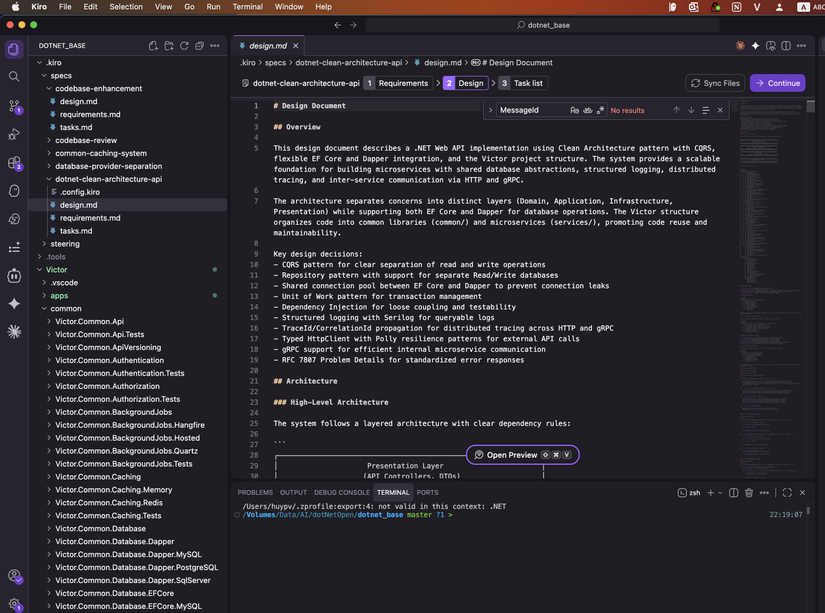
My Kiro setup I use both the Kiro app and Kiro CLI depending on the stage of the work. In practice, I usually rely on the desktop app to create and organize the SDD structure, then switch to the CLI when it’s time to run things for real.
This split workflow works very well for me because each part of Kiro feels strong in a different way. The UI is great for thinking, planning, and adjusting, while the CLI is better for execution.
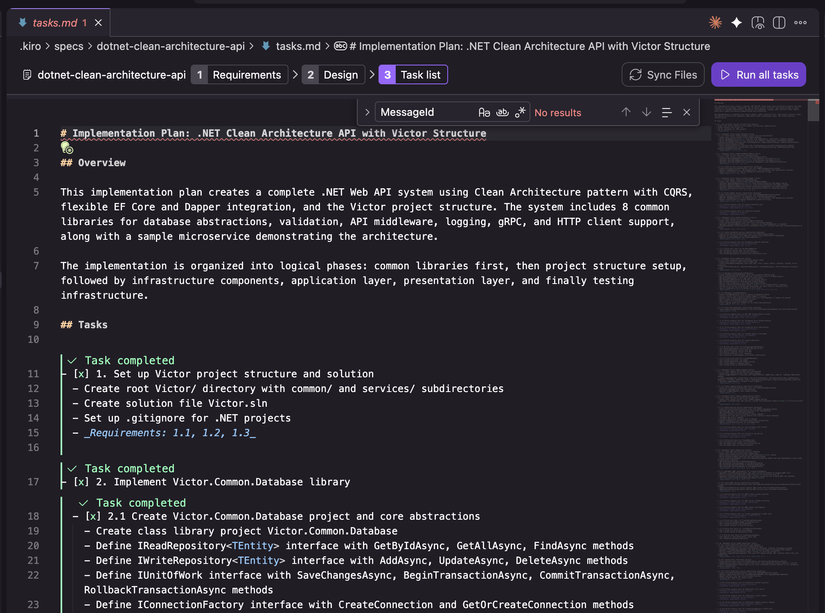
What I like most about Kiro The feature that impressed me the most is Kiro’s SDD mode in the desktop interface. It is very easy to see the full structure, and I can quickly refine the requirements, design, and tasks in one place.
I’ve tried other SDD-related tools on the market, but none of them has matched the experience I get with Kiro. For me, it feels more intuitive, more organized, and easier to keep under control.
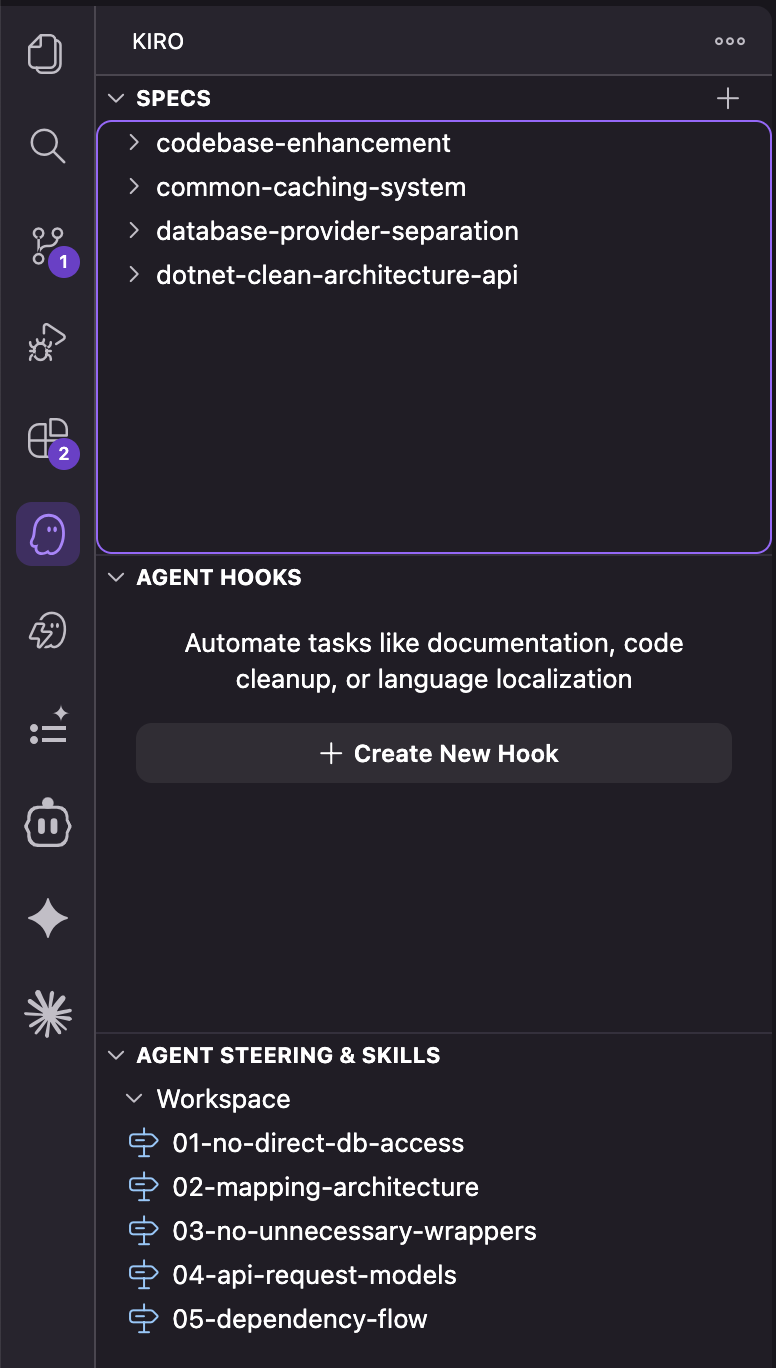
Steering and skills Another big advantage is how Kiro handles steering and skills. Creating and managing them feels straightforward, and the automatic loading of steering is a really strong plus.
Compared with the skill systems in other tools, Kiro’s approach is easier to understand and much easier to manage. That matters a lot when you want a workflow that stays clear as projects grow.
A small limitation One issue I’ve noticed is that sometimes, when I run scripts inside the UI, the process can hang and the result does not load properly. Because of that, I prefer using the UI mainly for preparing the SDD and tasks.
Then I move to the CLI for execution. That combination has been the most reliable and efficient setup for me.
Why I keep using it What keeps me using Kiro instead of other tools is the overall experience. It gives me a clean way to plan work, manage structure, and move into execution without feeling disconnected between steps.
For me, Kiro is not just another development tool. It is a very good combination of clarity, control, and practicality. The desktop app and CLI together create a workflow that fits the way I work best.
All rights reserved
