Splitting vocals from a song in the browser
When you only need an instrumental to practice against, or an isolated vocal for a lyric or transcription pass, a full DAW and a desktop separator is often more tool than the job. Uploading the track to a remote API is simpler, but you are sending the audio elsewhere and waiting on a queue.
A third option has become practical: run the split in the browser tab.
Why this is possible now
Browser audio used to mean "play a file and maybe draw a waveform." Source separation is heavier. You decode the file, run a model over short windows of the spectrogram, and write new audio. Two things changed.
First, the models got small enough to ship to a client. You do not need a multi-gigabyte checkpoint to get a usable vocal/instrumental split. Second, the browser got faster runtimes — WebAssembly, and on some machines WebGPU — so inference can finish in a reasonable time on a laptop, without a native installer.
The usual pipeline looks like this:
- The user picks a local audio file (MP3, WAV, FLAC, and similar).
- The page decodes it with the Web Audio API, or with a WASM decoder for formats the browser will not touch.
- A separation model runs window-by-window and emits at least two stems: vocals and accompaniment.
- The page encodes those stems so the user can download them.
If the work stays in the tab, the original file does not have to be uploaded to a server. That is the privacy advantage, and also why a flaky network should not kill the job once the model is loaded.
What a good result sounds like — and what it does not
Treat the output as a working stem, not a mastering-grade extract.
On a sparse mix (voice and guitar, voice and piano) the vocal stem is often clean enough to practice against or to drop into a transcription workflow. On a dense modern pop mix, you will usually hear some bleed: cymbals in the vocal, or a thin halo of voice in the instrumental. That is expected. If you need a broadcast-clean karaoke master, you will still finish the job in a DAW.
Checks I run after every split:
- Listen to the instrumental on headphones and pay attention to the midrange. Residual vowels are easier to hear that way than on laptop speakers.
- Flip between the original and the instrumental at the same loudness. A sudden drop in bass, or a missing shaker, usually means the model folded some accompaniment into the vocal stem.
- If you only need a practice track, a little bleed is fine. If you plan to publish a karaoke upload, listen once all the way through before you post it.
When a browser tool is the right size
I still use a desktop separator when the session is already open and quality is the priority. I use a browser tool when I want an answer in a minute: "is there a usable instrumental of this reference track?" or "can I hear the vocal line clearly enough to transcribe it?"
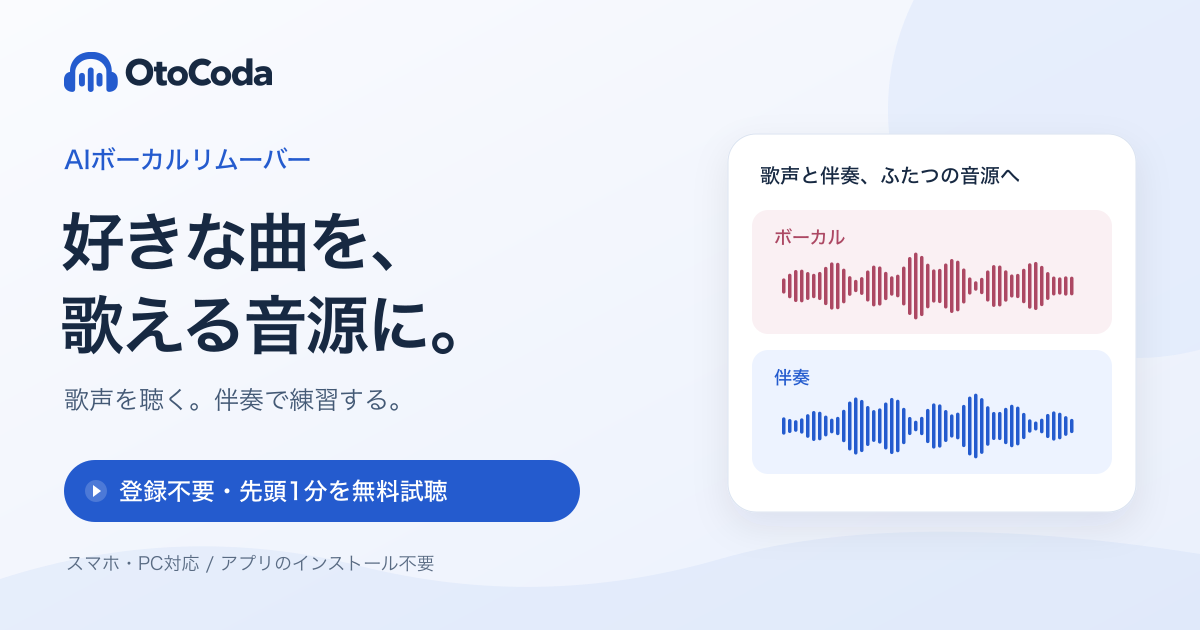
One of the tools I have been using for that second case is OtoCoda. It is a free, no-install vocal remover that runs in the browser. The interface is primarily Japanese, but the job is the same: upload a song, get a vocal stem and an instrumental (karaoke) stem, and export. It does not replace a dedicated audio suite. I use it as a fast first split, then move the stems into whatever I was already working in.
A short workflow
- Start with a reasonably clean source. A low-bitrate rip will still separate, but artifacts get louder.
- Prefer the official file or a high-bitrate copy when you have one.
- Run the split, export both stems, and name them clearly (
track-vocal.wav,track-inst.wav). - Do the headphone checks above before you spend time editing.
If you are building this kind of tool yourself, the same pipeline is a good scaffold: decode locally, keep the file in memory, show progress, and let the user download WAV (lossless) as well as a smaller preview format. The product problem is less "can the model run" and more "can a non-engineer finish the job without installing Python."
That, to me, is the interesting part of in-browser stem separation. The model is the engine. The useful work is making the split something you can do from a tab, keep on your machine, and then forget about until the next reference track.
All rights reserved