


Find Hidden Shot Changes in a Video Draft
Take a simple example: a ten-second running-shoe clip is almost ready.
The camera moves slowly toward the shoe. The label is readable, the music fits, and the background looks tidy. Halfway through, however, the table edge shifts and the shoe turns slightly. Nothing looks completely broken. The middle simply feels wrong.
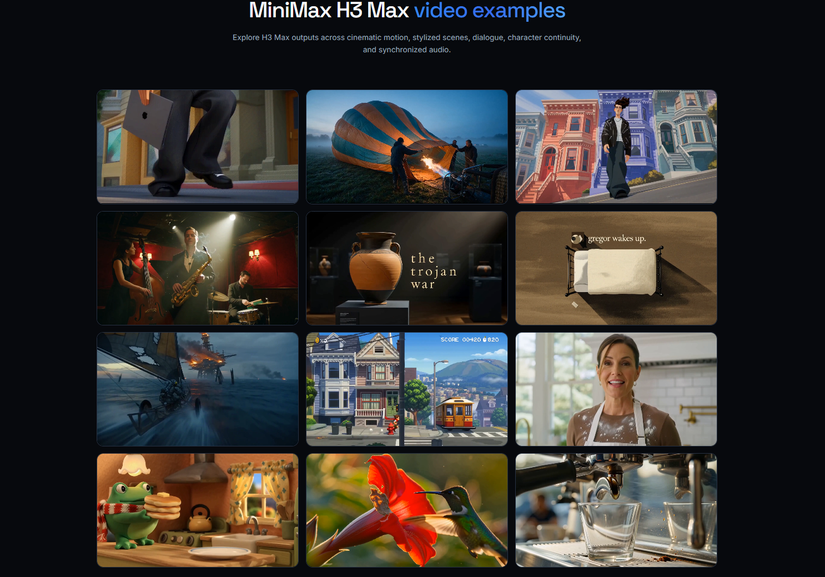
The same check can be used for a draft from MiniMax H3 Max or another video workflow: find the exact break before rewriting the prompt.
The Problem May Be Smaller Than It Feels
A short visual jump can make the whole clip feel unstable.
Common signs include:
- A background object moves
- The subject changes size or angle
- The camera suddenly skips forward
- Lighting changes between two frames
- Clothing, packaging, or small details briefly change
These errors are easy to miss at normal speed. Replaying the clip may confirm the problem, but it rarely produces a useful revision note.
“Something happens in the middle” is vague.
“The shoe angle changes at 5.4 seconds” is actionable.
Run a Quick Scene Check
FFmpeg can find frames with unusually large visual changes. The following examples use a macOS or Linux shell.
First, create a folder for the results:
mkdir -p scene-check
Then run:
ffmpeg -i product-draft.mp4 -vf "select='gt(scene,0.35)',showinfo" -fps_mode vfr scene-check/change-%03d.png
The command saves possible change frames and prints their timestamps. You may see a line containing:
pts_time:5.400
The 0.35 value is a starting threshold, not a quality score. Raise it if the command returns too many frames. Lower it if a visible jump is missed.
Check the Frames Around the Change
Use the reported timestamp to inspect the frames immediately before and after the change.
For a result near 5.4 seconds, extract a short section:
ffmpeg -ss 5.2 -i product-draft.mp4 -t 0.6 -vf "fps=5" scene-check/around-%02d.png
Open the images in order and check:
- Does the shoe keep the same shape and angle?
- Do the table and background stay in place?
- Does the camera continue moving in the same direction?
- Does the sound still match the visible action?
A useful review note might be:
5.4s — shoe angle changes and the table edge moves.
That gives the editor or creator enough information to choose the next step.
Choose the Smallest Useful Fix
Not every flagged frame requires another generation.
| What you find | Practical next step |
|---|---|
| A natural flash or fast movement | Keep the clip |
| A short jump that can be hidden | Trim it or add a cutaway |
| A small background detail changes | Repair or cover the affected section |
| The main subject changes | Generate another draft |
| Several later errors begin at the same point | Simplify the shot and try again |
A normal editor is often the simplest answer. For example, a half-second jump in a café clip could be covered with a close-up of the cup. Rebuilding the complete scene may introduce a different problem.
Another draft makes more sense when the change affects the main subject. Removing one frame will not repair a shoe that keeps changing shape afterward.
Scene Detection Is Only a Pointer
The command measures visual differences. It does not understand the scene.
Fast camera movement, a bright flash, or someone passing close to the lens may trigger a result even when the shot is fine. Slow changes can create the opposite problem. A face or object may gradually shift without producing one obvious change frame.
Use the timestamp to guide your review, not replace it.
After making a correction, watch the finished clip again at normal speed. A clean set of still images does not guarantee natural movement.
Keep Publication Checks Separate
A smooth clip is not automatically ready to publish.
Before uploading reference material, confirm that you are allowed to process and reuse the images, logos, faces, voices, or music involved. Confidential files should not enter the workflow simply because they are available to the team.
Generated product footage should not be presented as proof of real performance. If a synthetic scene could be mistaken for recorded footage, give viewers enough context to understand what they are seeing.
These checks are separate from visual quality. FFmpeg can locate a jump in the background, but it cannot clear a music track or verify a product claim.
The next time someone says, “The middle feels strange,” do not rewrite everything immediately.
Find the second first.
All rights reserved
